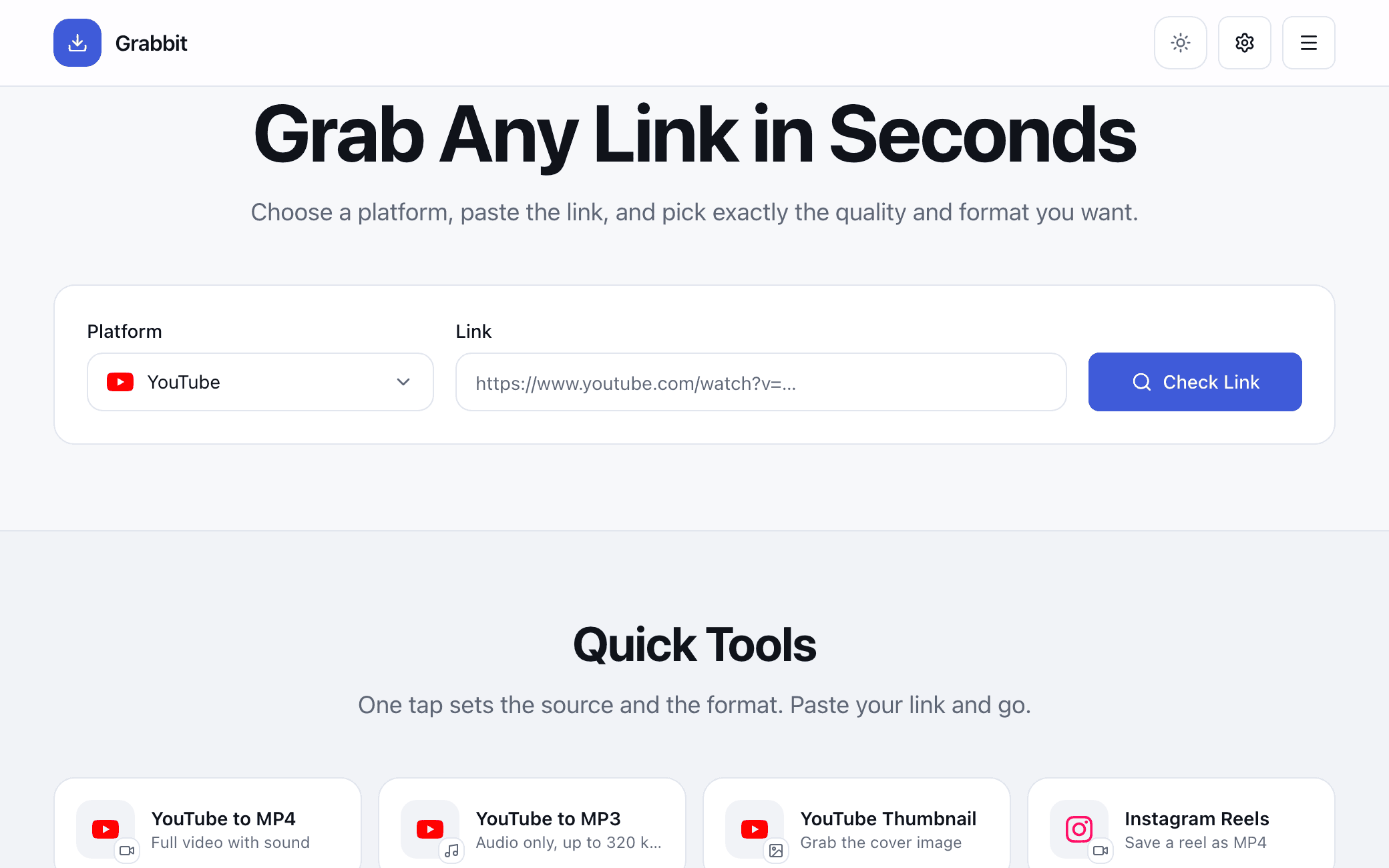
Grab Any Link in Seconds
Choose a platform, paste the link, and pick exactly the quality and format you want.
Paste a Link to Begin
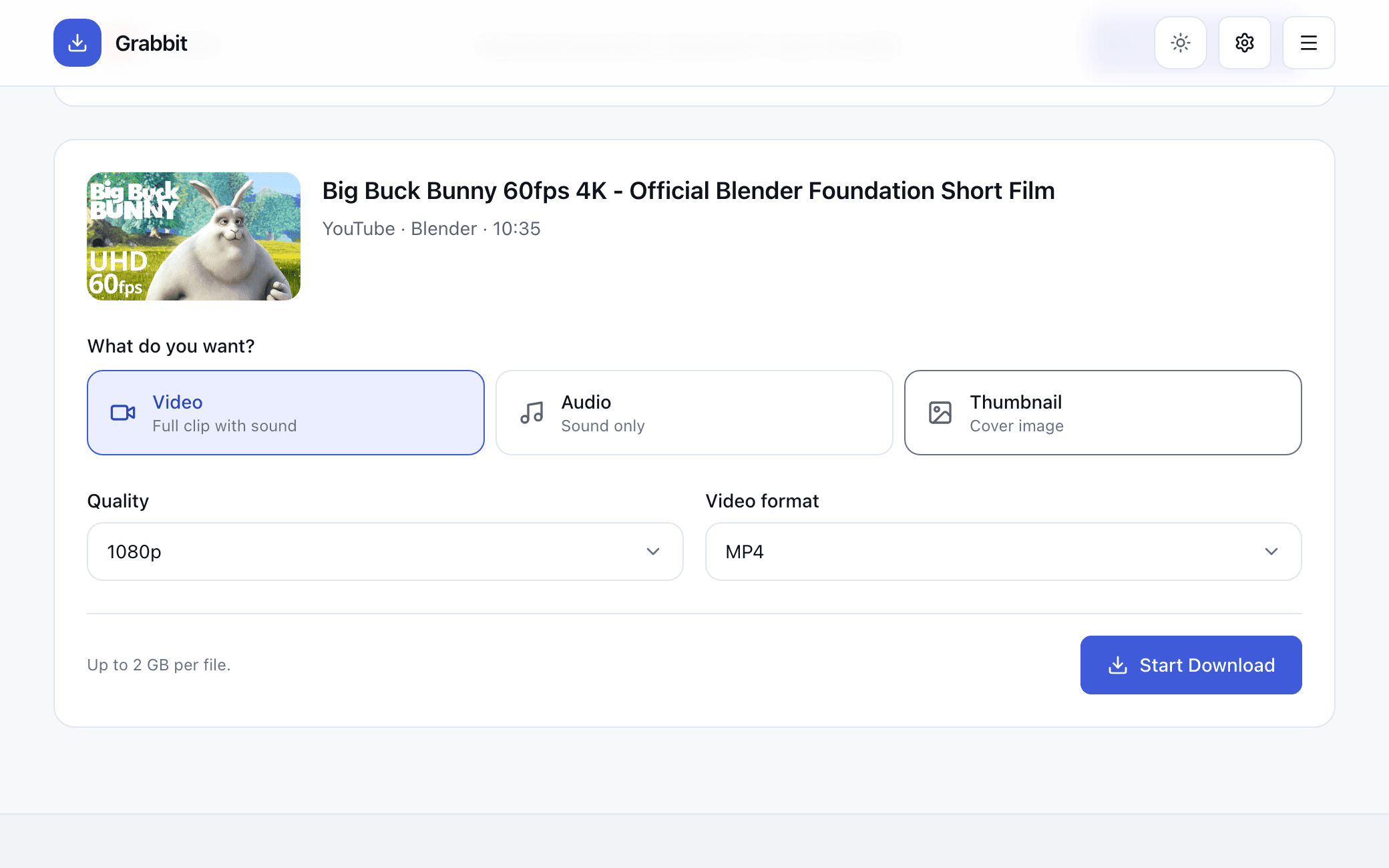
Grabbit checks the link first and then shows only the qualities and formats that source really has. Nothing downloads until you choose.
- Video144p to 4K, MP4 and more
- AudioUp to 320 kbps, MP3 or M4A
- ThumbnailJPG, PNG or WebP
Quick Tools
One tap sets the source and the format. Paste your link and go.
Supported Platforms
Pick a source to start with it selected. Each card lists exactly what it can hand over.
How to Use Grabbit
Three steps, no account, nothing to install.
 1
1Paste Your Link
Pick the platform, drop in the link, and let Grabbit read what the source actually offers.
 2
2Choose What You Want
Video, audio or the thumbnail. Only the qualities and formats that source really has are listed.
 3
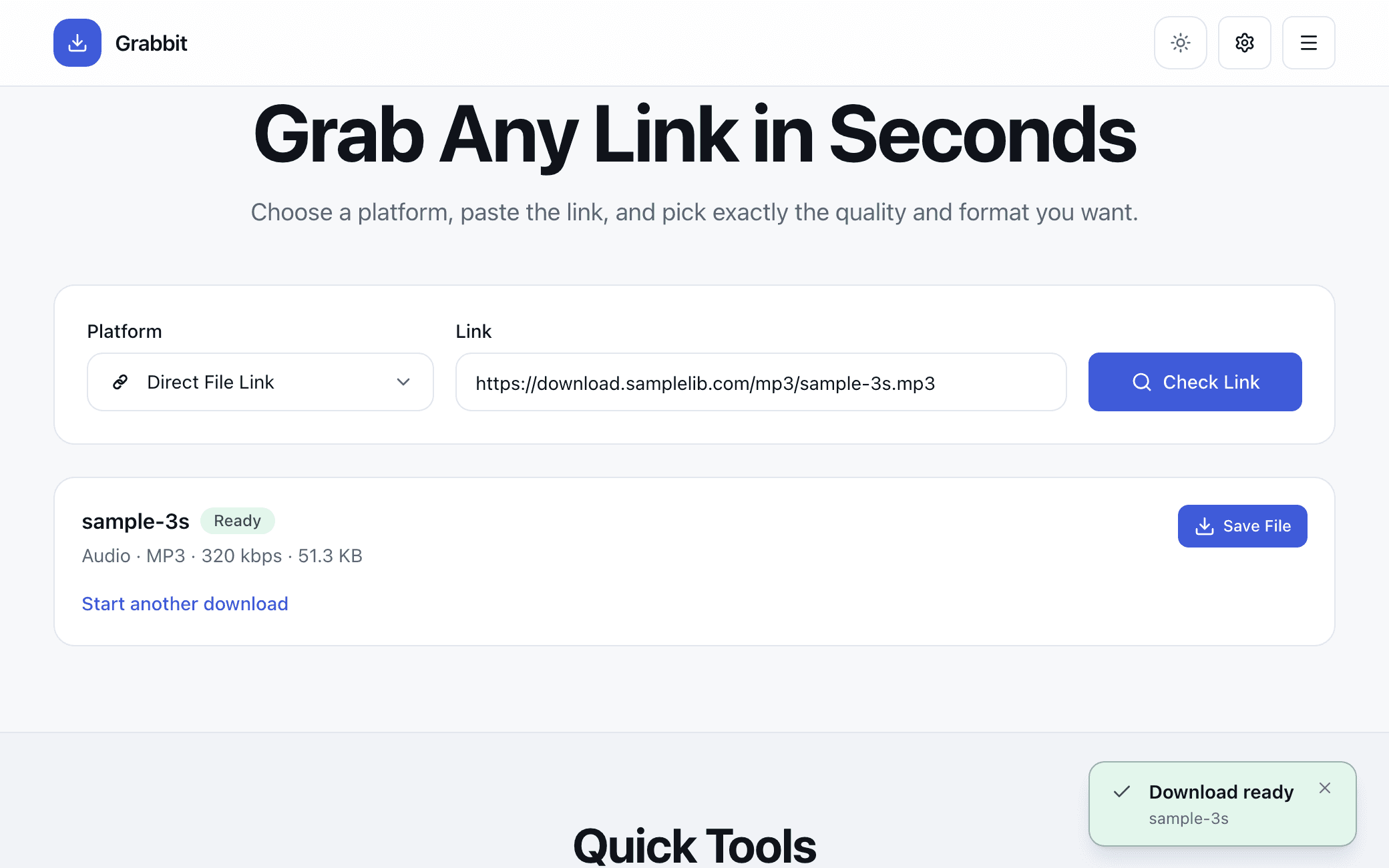
3Save the File
Watch real progress, then save it. The copy on the server clears itself straight after.
Frequently Asked Questions
The things worth knowing before you download something.